TeamPassword: How to Add and Remove Groups

In TeamPassword, if you need a user to be able to access other passwords or deny user access to a Group, have an Admin on the account modify the following settings for that user on the TeamPassword Control Panel at www.teampassword.com.
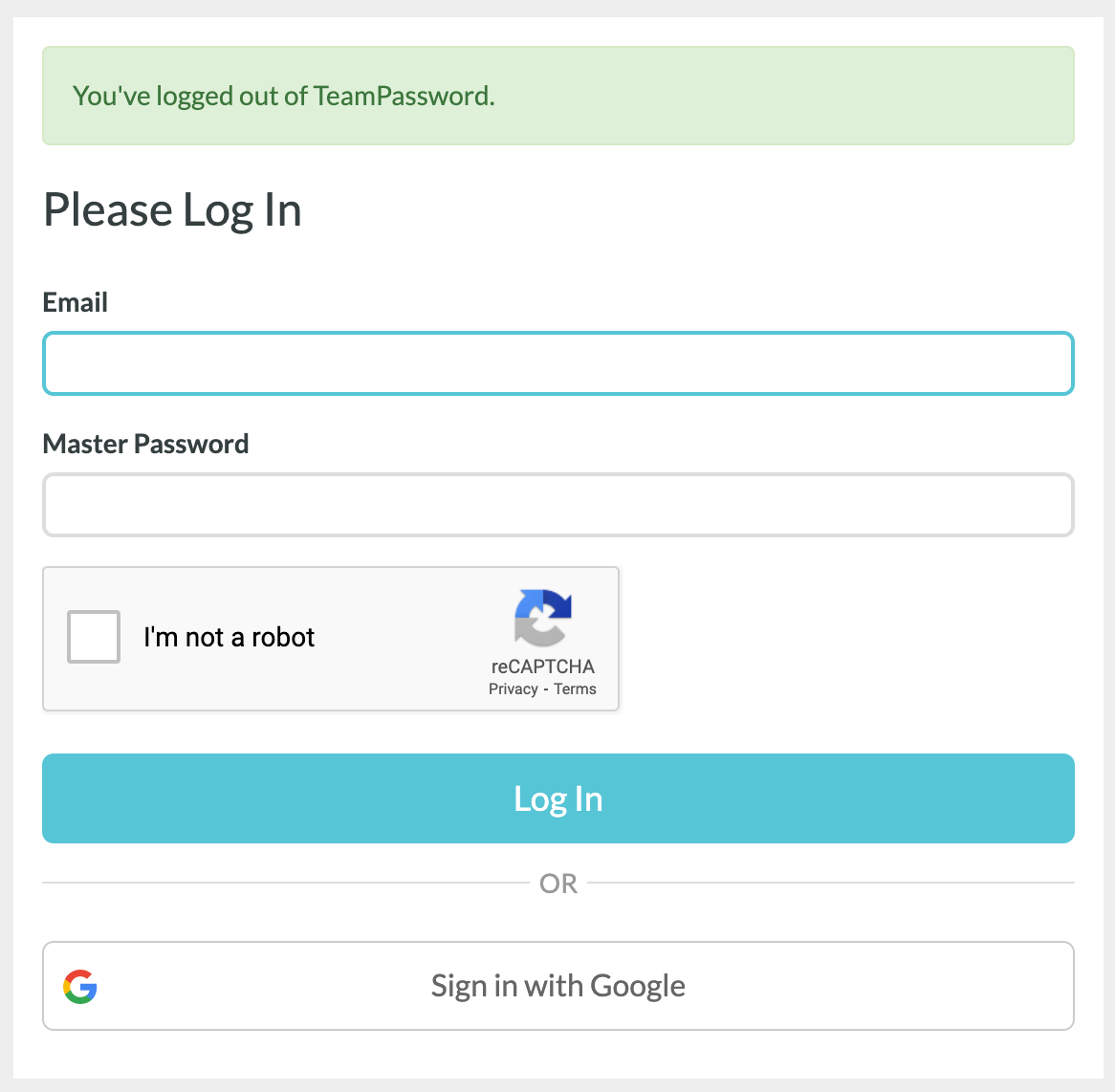
First, sign in at the Control Panel using your credentials.
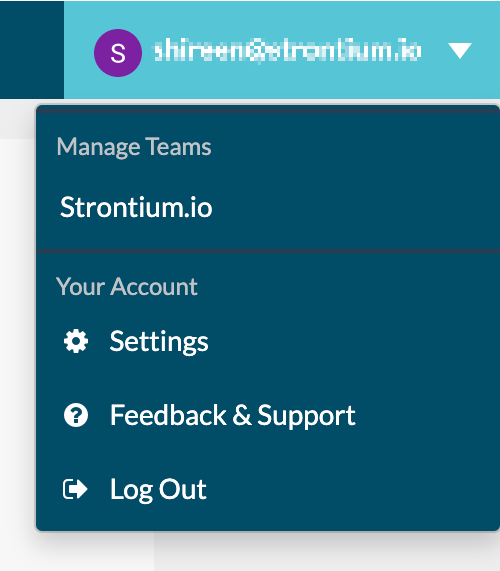
Click on your email in the top right corner and select your Team.
Table of Contents
Adding Multiple Groups to One User
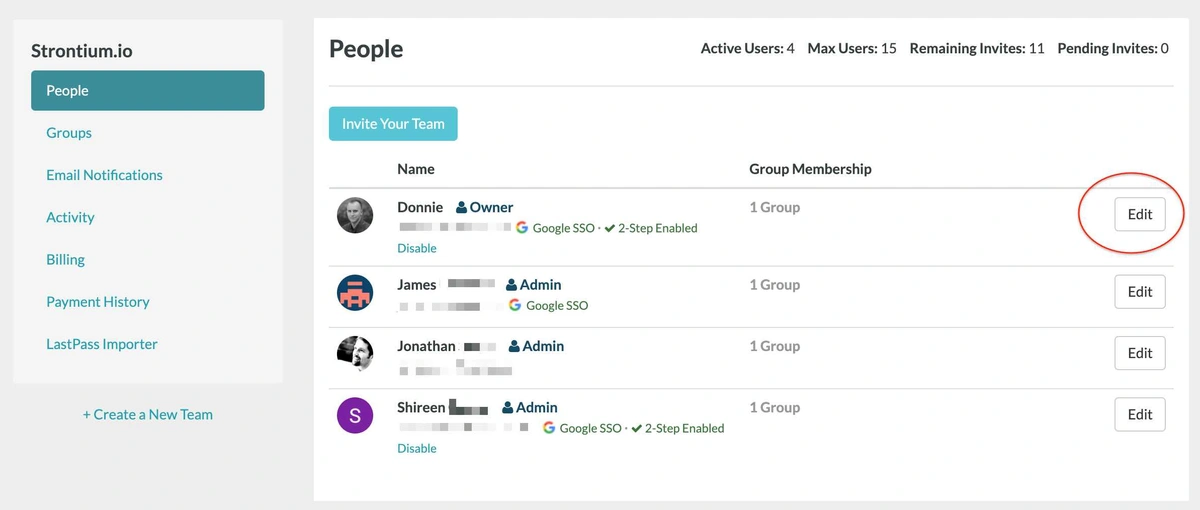
On the page above, scroll down and select Edit next to the User you want to modify.
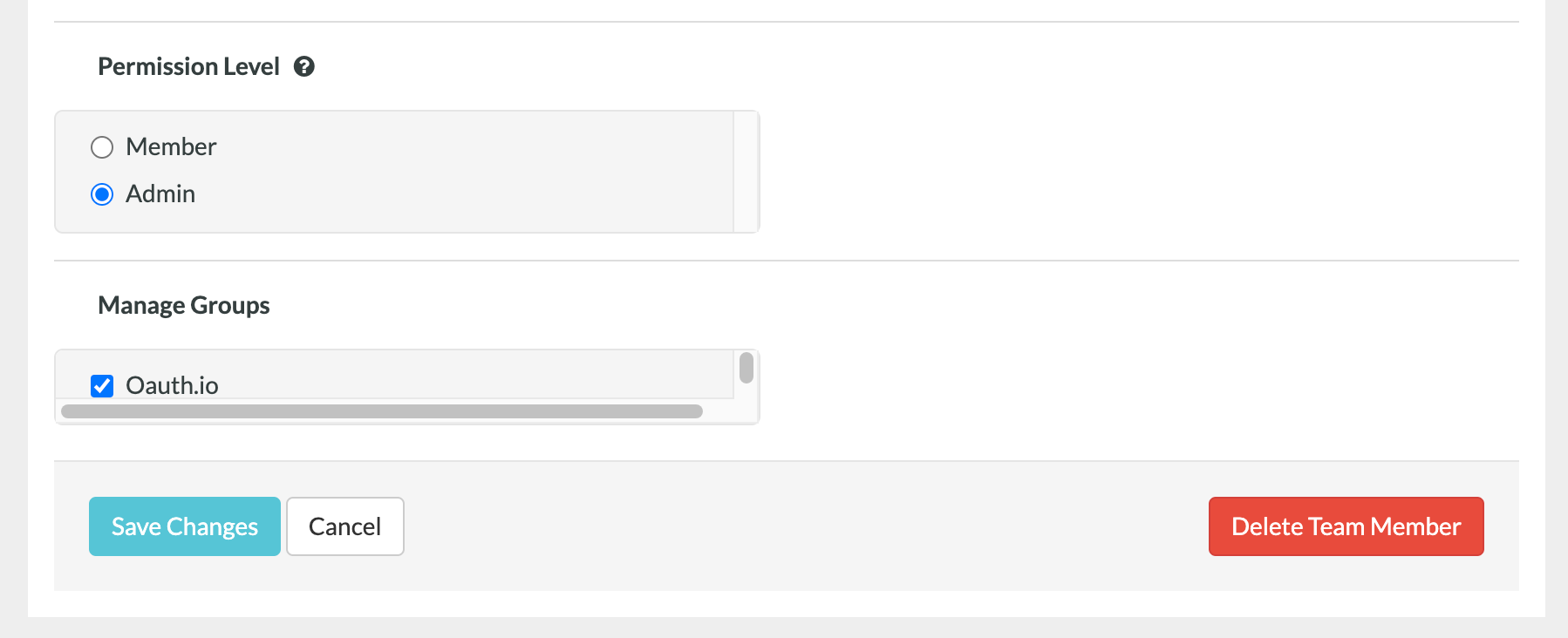
This is where you will add or remove the Groups for the User. Make sure to select Save Changes when you are done.
Adding Multiple Users to a Group
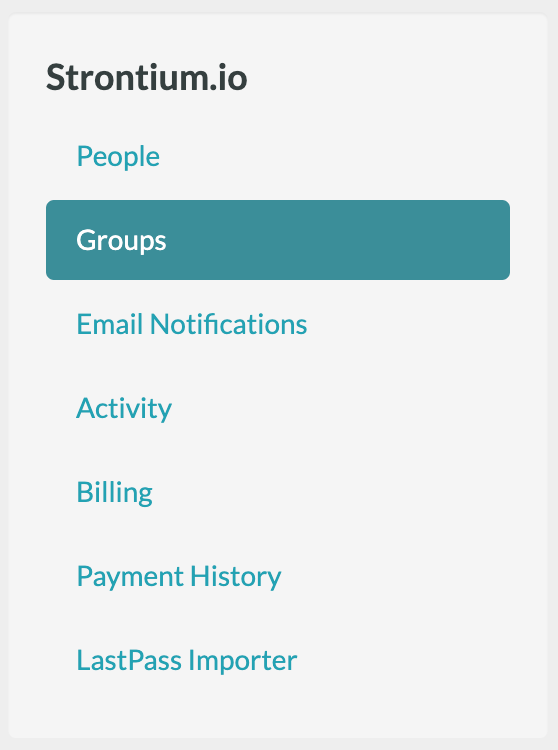
Select Groups from the left sidebar and then here you can Create a new Group or select an existing Group to edit.
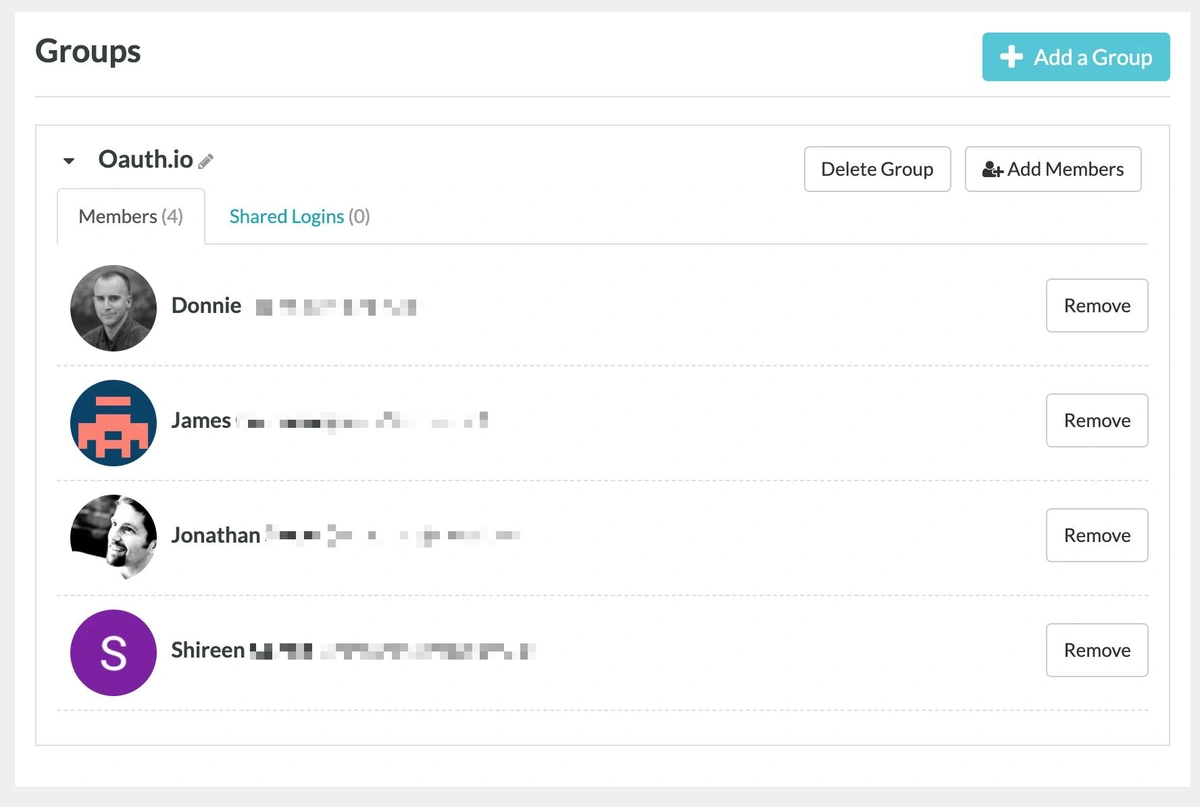
You will see the current members in the Group as well as an option to add Group members by clicking the checkbox next to their email. Make sure you save changes at the bottom once completed.
Reach out to out customer support team if you need help with the above guide or have any other password management questions!
Posts Recomendados
The 5 Best Enterprise Password Vaults (2026 Comparison)
Standard password tools fail at enterprise scale. Learn how to choose a password manager for security, compliance (SOC ...
How to Reset ADP Password if Forgotten
Reset your ADP password with this easy-to-follow guide. Discover tips for choosing memorable security questions and creating secure ...
How to Reset Justworks Password if Forgotten
Learn how to quickly reset your Justworks password and maximize your online security. Tired of memorizing passwords? Try ...
How to Reset a WordPress Password
Can't remember your WordPress password? Don't fret! Use this easy step-by-step guide to reset your WordPress password.
Fortaleça a segurança das suas senhas
O melhor software para gerar e gerenciar suas senhas corretamente.